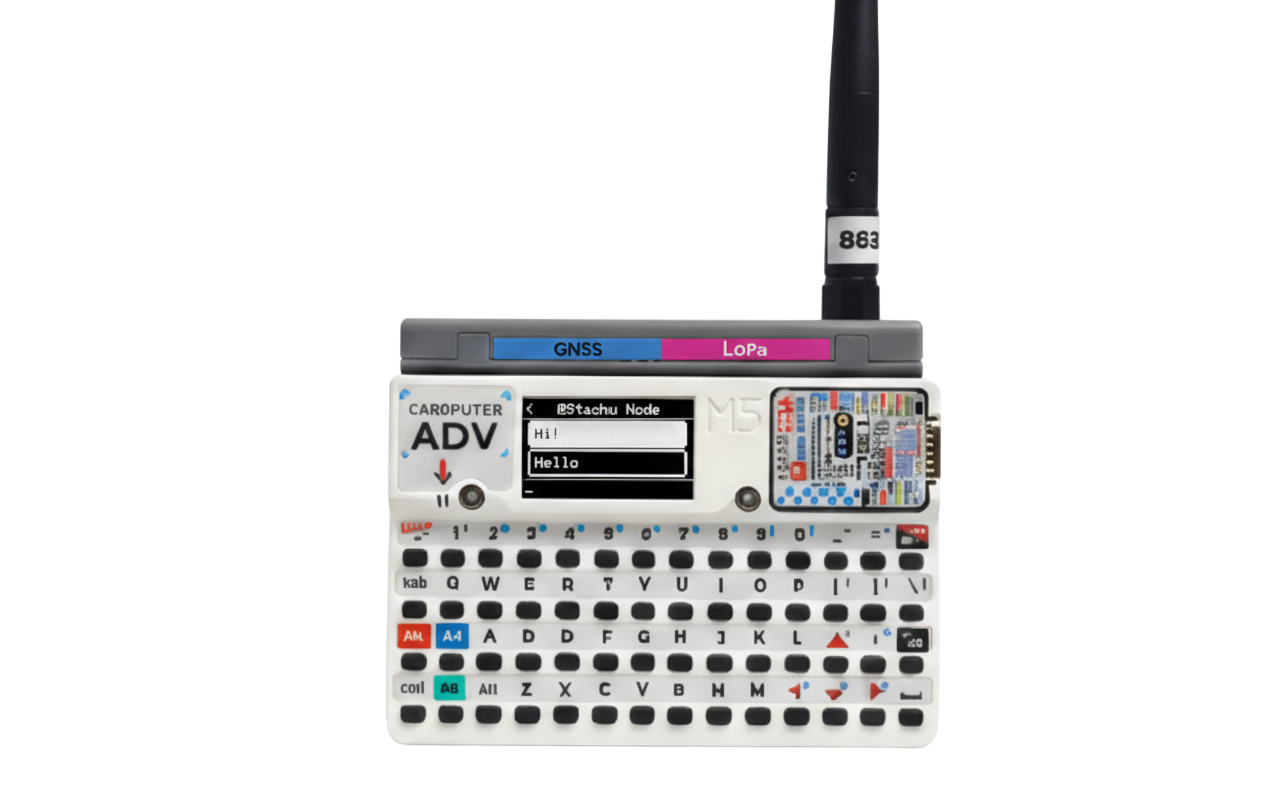
Support Development
This firmware was made out of genuine interest in MeshCore and the Cardputer ADV platform. It’s a community-driven port, built, tested, and maintained in free time to make MeshCore more usable on this hardware. If you find it useful or enjoy using it, buying me a coffee is a simple way to support further work and updates.
☕ Buy Me a Coffee⚠️ Important: Backup Your Data
Flashing firmware CAN erase all data on your device, including private keys and configuration.
Before flashing:
- Open MeshCore on your device
- Go to Settings → Export Config
- Save the configuration file
After flashing:
- Go to Settings → Import Config
- Load your saved configuration file
Install Firmware
Requires Chrome or Edge on Desktop.
- Connect your Cardputer via USB.
- Click the "Connect" button below.
- Select the USB Serial port from the popup.
- Choose "Install MeshCore Cardputer - ADV".